Degreed Learning Pathways
Degreed Pathways function as flexible wayfinding tools that allow people to quickly curate resources from a wide mix of sources into cohesive learning journeys. They can stitch together content from any source, format, medium, or topic (think articles, books, quizzes, podcasts, videos, and more). These Pathways tell you where to go, and they create a better user experience by encouraging you to move through content and watch your progress as you learn.
The problem
Pathways is the most used platform feature, and has become more difficult to use and navigate after the release of the newest design. The changes resulted in a significant increase of support tickets.
After talking to users and looking at their feedback these were the main concerns:
- An excessive use of expand and collapse interactions; there were too many clicks needed to interact with primary content
- Lack of a general overview and outline
- Low sense of progress when consuming a Pathway


The approach
In its state at that time, the Pathways feature was built based upon different previous versions. We decided the rebuild the foundations—both design and code—from the ground up, with the goal to simplify wherever necessary.

The solutions
We made significant changes to the foundations of the feature—ensuring flexibility for future enhancements. We removed almost all expanding and collapsing interactions. For learners it was easier to see the content, navigate around, and follow their progress. The same benefits also applied to L&D admins, with the additions of functionality that would improve their speed and ease of use when curating.
Key improvements:
- Navigational Outline
- New Content Cards
- Improvements to the curator tools
- Reduce Pathway fragmentation; smaller, more focused Pathways
Navigational Outline
We provided the leaners and L&D professionals with a Navigational Outline, which purpose was to provide information about progression within a Pathway. It also served as both a navigation to conveniently move around the Pathway, as well as an outline showing the user a table of contents.

New Content Cards
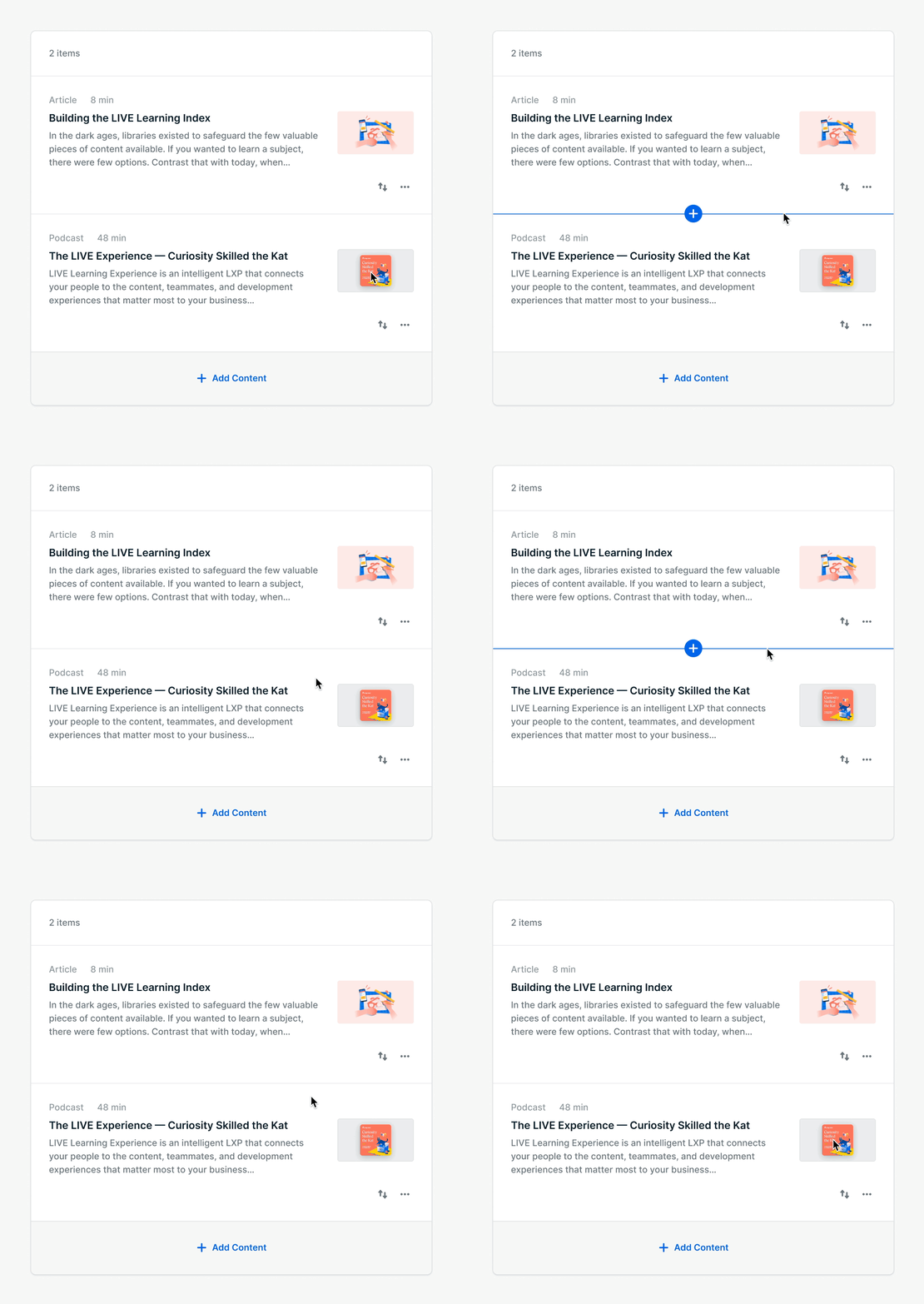
Initially we choose to only remove the expanding and collapsing interactions, and leave the content cards as is. This was discarded as a viable option as their size didn’t benefit the overall overview. Instead we opted to redesign these cards and consolidate them into a new component together. This gave subsections a better contour, with better focus.

Below: new vs. old Subsections


Curation Tools
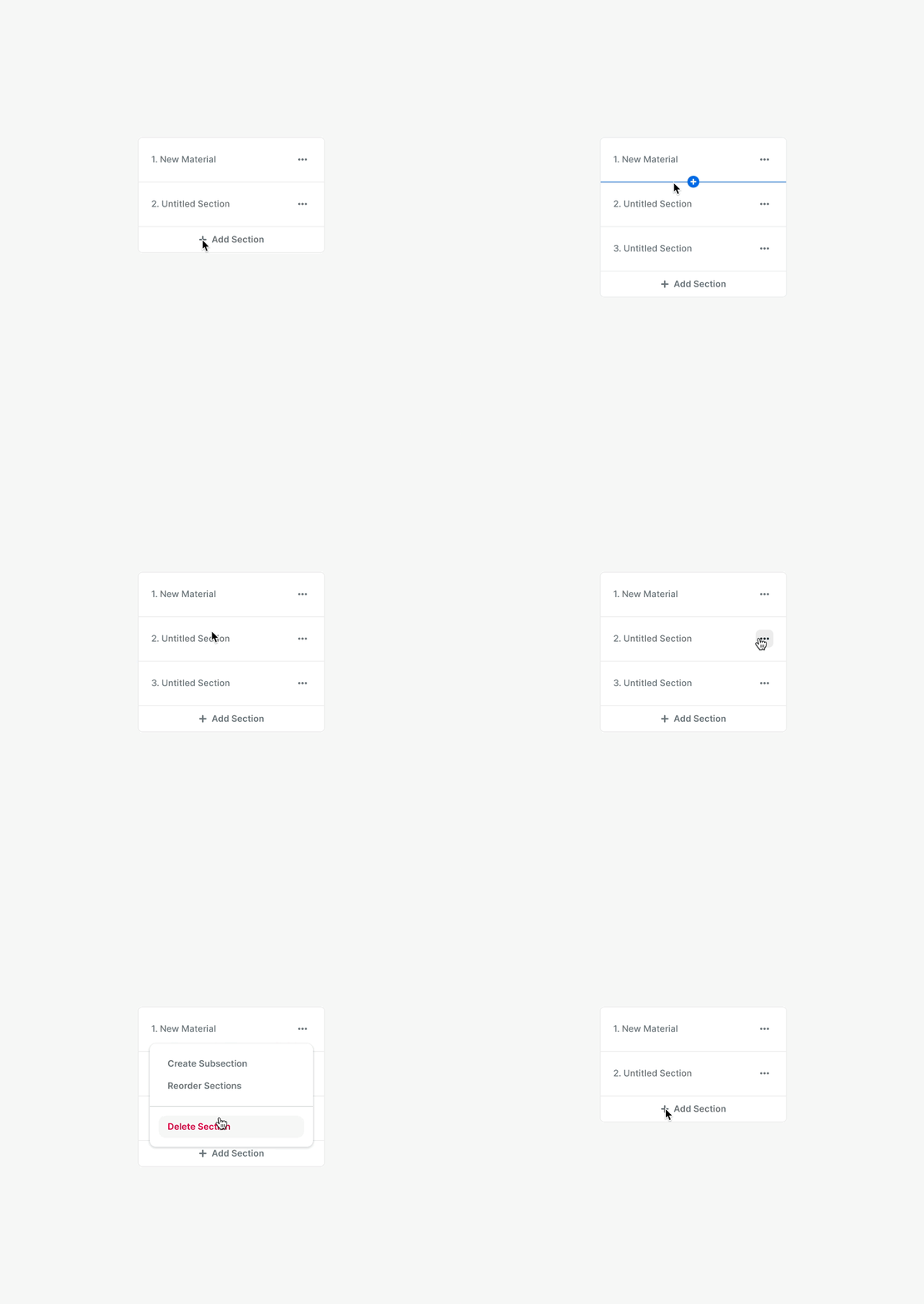
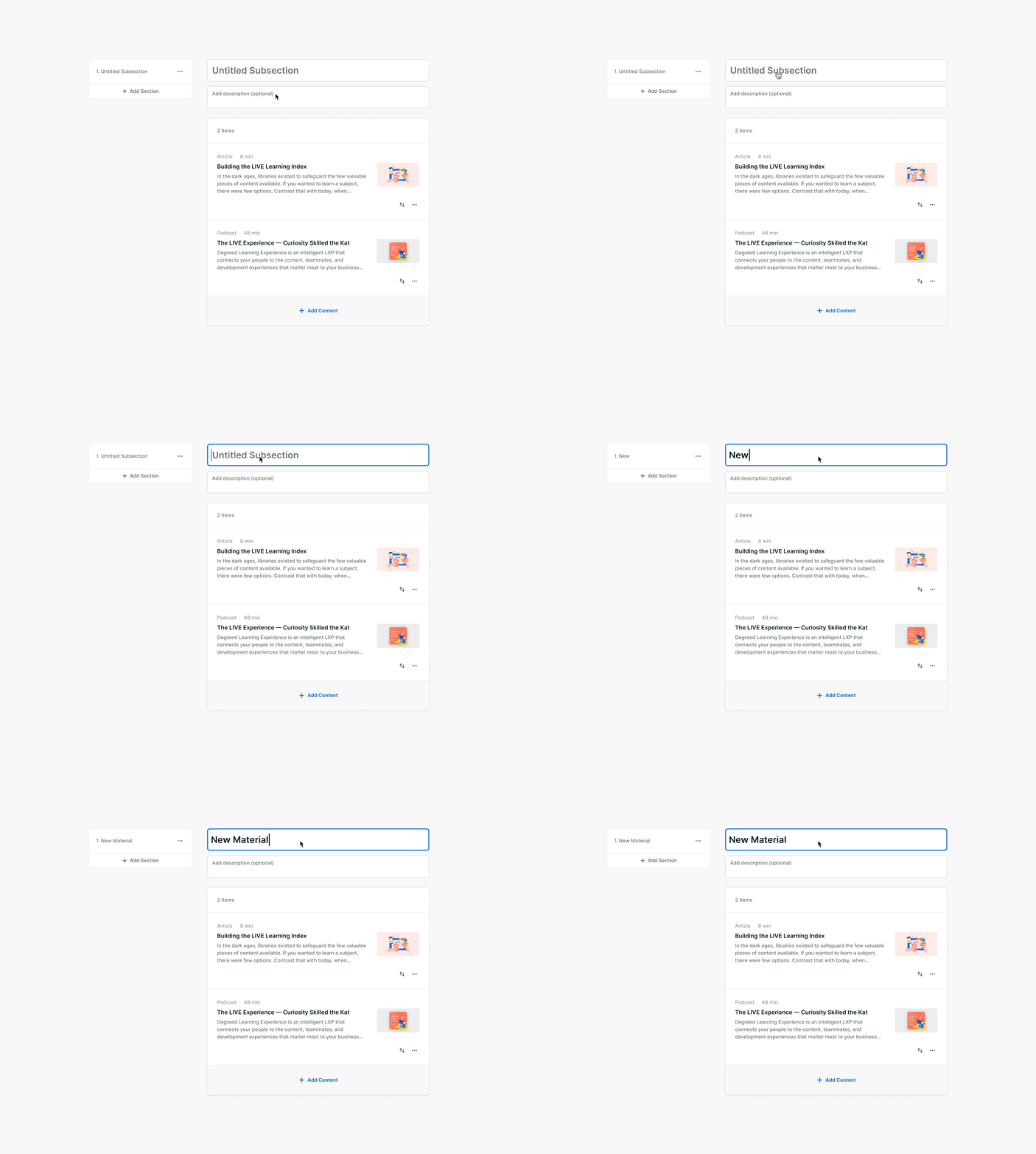
Curators of Pathways got all the same improvements that learners also got. But for these particular users we also added a few more features that would help them work more quickly. We surfaced oft-used options directly on the canvas for easier additions and deletions of sections, subsections, and content.

Business impact
Data from the Impact Analysis. Timeframe starting at general release October 2020 to July 2021.
Pathway fragmentation (lower number is better):
- Average items per Pathway: -32.8%(9.81 vs. 14.6)
- Average Sections per Pathway: -13.1%(3.04 vs. 3.5)
- Average Subsections per Pathway: -30.8%(3.68 vs. 5.32)
- Average Subsections per Section: -20.4%(1.21 vs. 1.52)

Pathway consumption:
- Users consuming Pathways: increased 14% YoY
- The majority of clients saw an increase in percentage of active users consuming pathways, with 50 clients having this metric increase by >5% (total of 142 clients with the highest number of active users)


Pathway completion:
- Percentage of users completing content on Pathways: +8% weekly YoY
- Users who complete a pathway within 30 days: +25% on average YoY

Navigation usage:
- About 13% of users viewing Pathways use the Navigational Outline; this has increased slightly since the feature was released
- Users that use the Navigational Outline have much higher content and Pathway completion rates (by about 2×) compared to those who do not
- Percentage of users navigating Subsections has decreased; because newly created Pathways are less fragmented, there may be less of a need to use the Subsection navigation

End result & opportunities for improvement
The end result is a Pathway where learners can see their progress for each section, subsection, and content items. An easy way to navigate to between content. And clear outline of the learning material that is available. Together with less fragmentation and more focused Pathways.
There are many improvements that we want and need to work on next for this platform feature. Some bigger, and some which can be considered obvious simple improvements:
- Notify learners about new updates for content. Pathways should be evergreen, with always the latest content available within them
- Check for obsolete content to help authors remove or update the sources
- Pathways focus on specific topics. These can be about in high demand skills. As Degreed is an upskilling platform—and one of the product features we offer is internal job opportunities at companies—it makes sense to bring these to the attention of learners within Pathways
- Suggestions on related Pathways for learners to enroll after finish the current one
- Subject-matter experts at your company could be suggested as people to follow, or request to be mentored by. Mentoring is also a product feature at Degreed which falls under Skill Coach